Overview
Matcha is the name we gave Coldtea's testing agent. It checks that a real user flow still works before a change reaches production: it drives your app the way a person would and returns a verdict. You give it a URL or a build and a plain-English description of the path to walk. It signs in if you asked it to, clicks through the flow, watches what the app does, and records what it saw. When it finishes, you get a verdict backed by steps, screenshots, logs, and a recording.
Matcha does not replace unit tests. It tests the thing a user actually does, end to end, against a running build. Use it when the behavior is browser-visible or app-visible and you want to know that the real flow still works. Run it on every pull request and deployment and it catches regressions in the flows your users depend on, before they reach production.
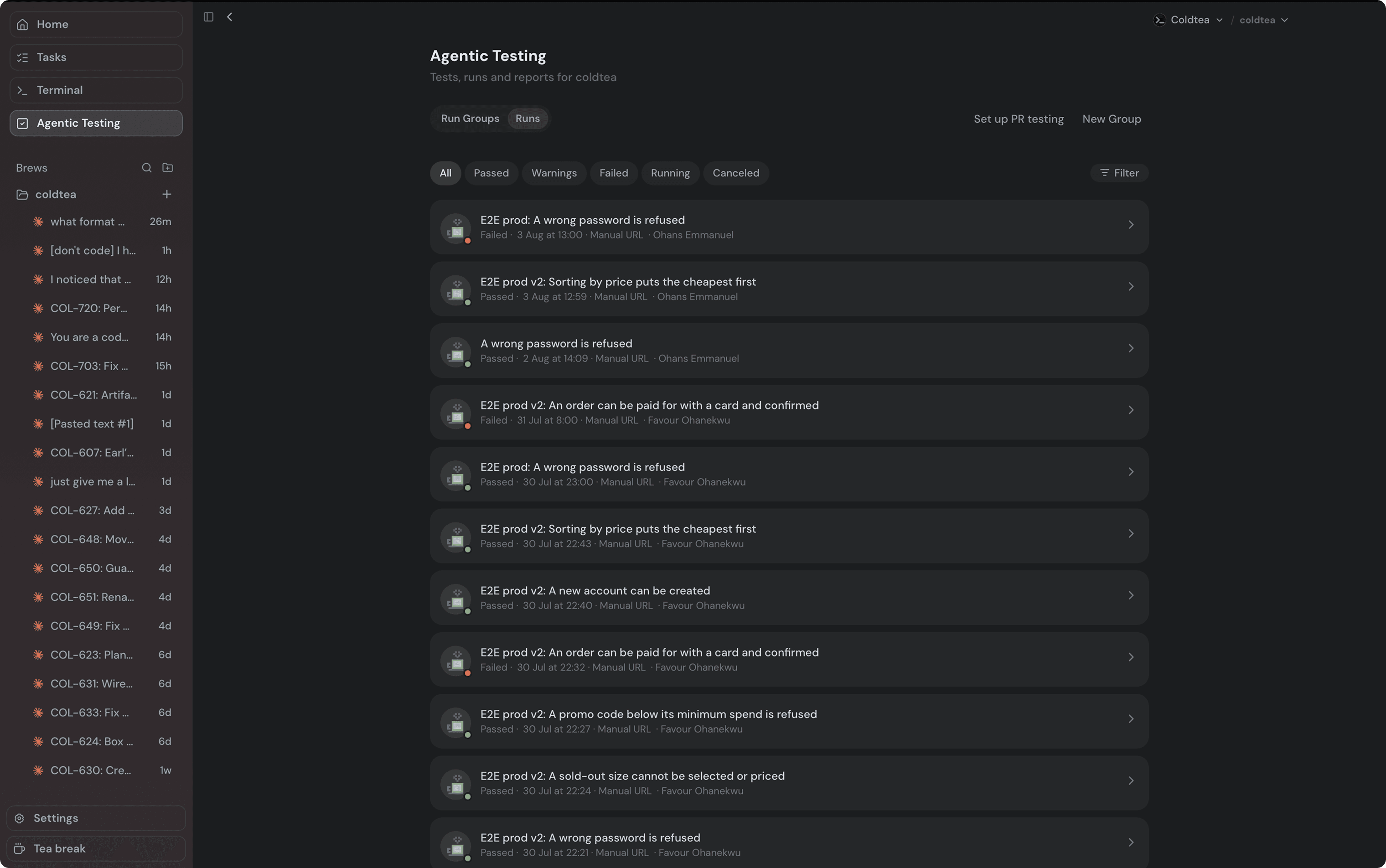
What a run produces
A completed run carries a verdict, a summary, an ordered list of steps, and evidence. The verdict is one of three:
- Pass: the flow did what you asked, including a flow that correctly refuses. An expected error still passes.
- Fail: Matcha observed a real defect in the app under test.
- Warning: the flow worked, but Matcha saw something worth your attention.
"Couldn't run" is not a verdict
A run that never got a fair shot at the app carries no verdict. Coldtea labels it "Couldn't run" and keeps it out of your pass and fail counts. This happens when the browser or device infrastructure failed, the QA budget is exhausted, no device slot came free, a bot wall hid the app, the test's credentials were refused before the flow began, or Matcha could not drive the flow itself.
Keep the two apart when you read a result. A fail is a claim about your app. A "Couldn't run" is a claim about the run: fix the setup and run it again before you treat it as a product bug.
Where a run comes from
You can start a run three ways:
- A manual run against a URL or an uploaded build.
- A GitHub deployment, where a successful deployment triggers the run.
- A GitHub pull request build, where Matcha runs saved scenarios against the PR's fresh build.
Where to go next
- Web QA to run against a static build or a deployment URL.
- Runs and results to read a finished run.
- Monitoring loop if your team runs Matcha checks on a schedule.